How Do I Add My Email Signature
Last updated: July 3, 2025
 Adding your email signature is simple. Just follow these steps:
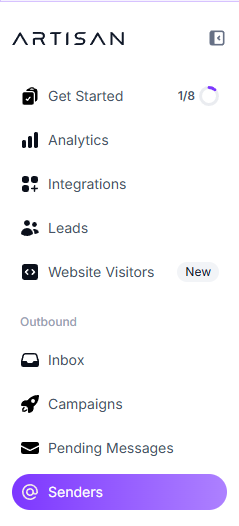
From the Artisan Dashboard, go to Senders
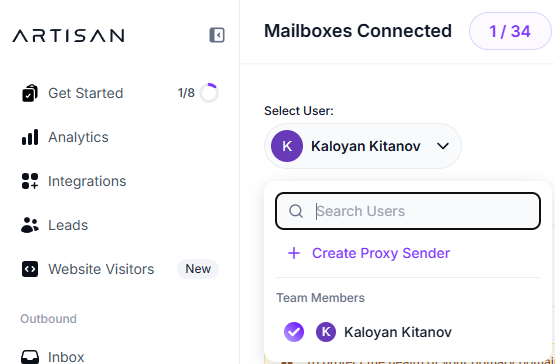
Select the User you want to add the signature for
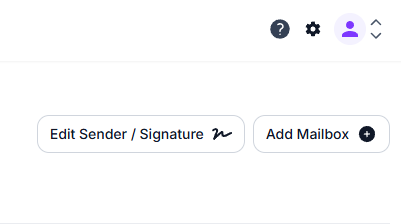
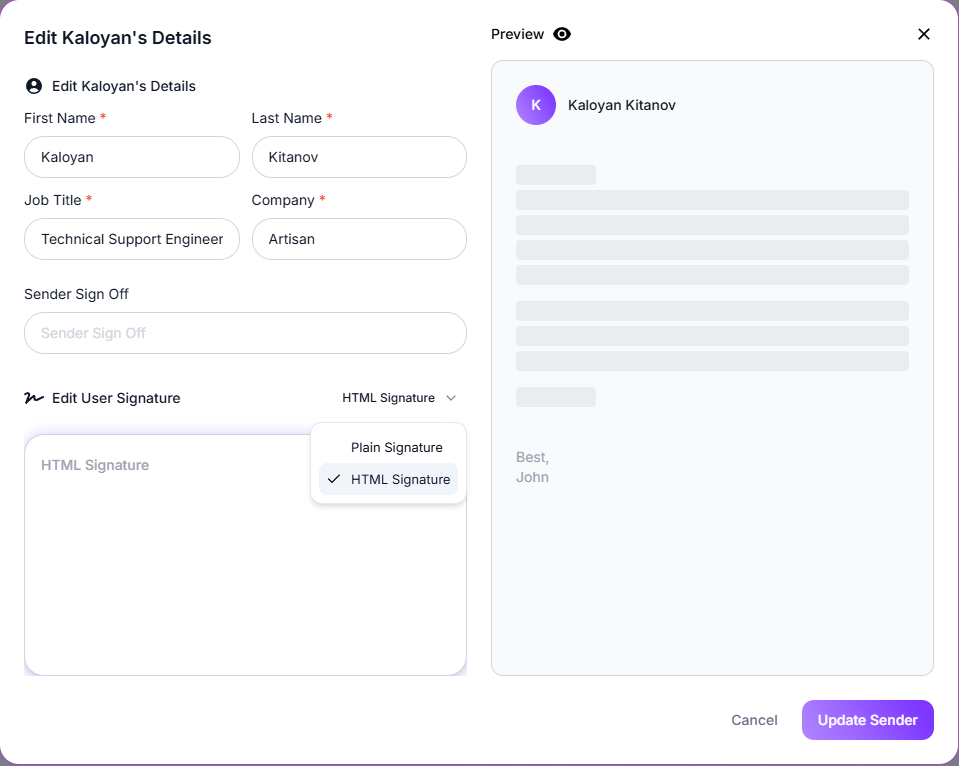
Click Edit Sender / Signature
Fill in your signature details
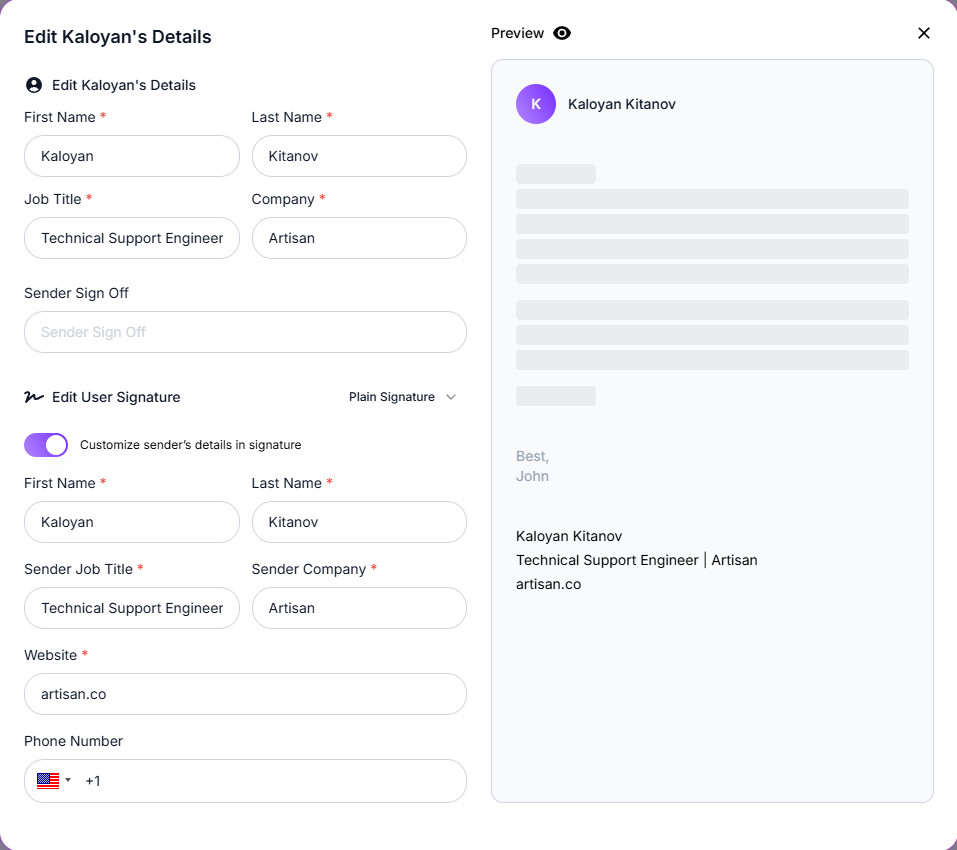
🗒 By default, the signature is set to Plain Signature. If you'd like more customization, you can switch to HTML Signature instead.
Need Assistance?
Contact our Support team if you have any questions or issues!