Help! I Can’t Turn My Campaign On.
Last updated: September 24, 2025
🙋 Help! I've set up my first campaign but it's not turning on.
💡 The answer to that question can vary, however one of the most common reasons for this is issue is that the campaign settings are missing some mandatory fields.
This would be hinted by a small pop-up every time you try to enable the campaign, so keep an eye out for that!
If you've filled out all mandatory fields, but are still seeing that error, then you should check your signature settings.
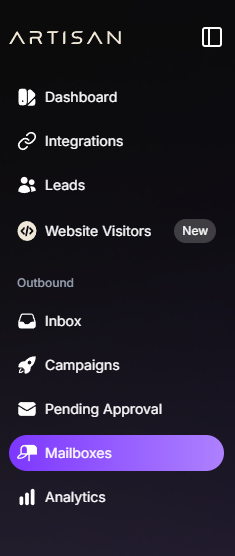
Go to Mailboxes
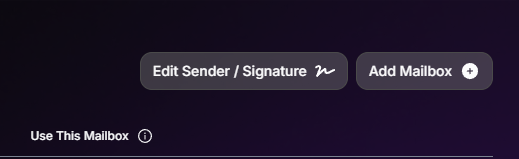
Click Edit Sender/Signature
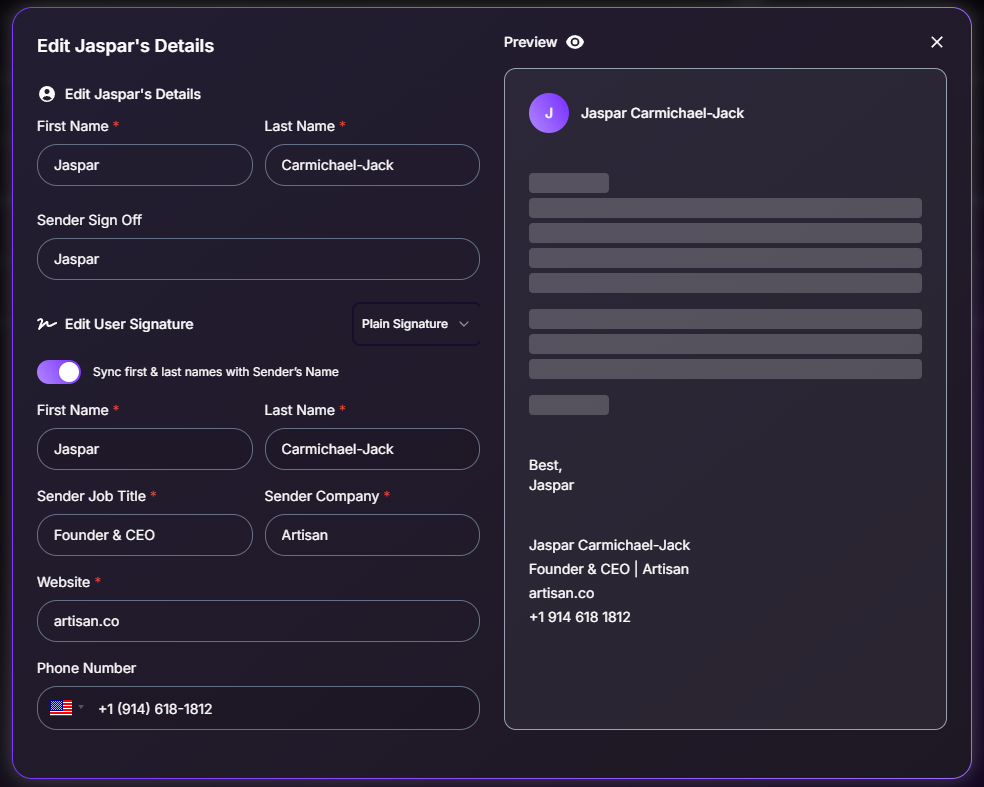
Regardless of whether you're using Plain or HTML Signature, switch to the one you are not using and make sure you've filled out the mandatory fields there too. Once you've done so, simply switch back to your preferred signature style.
🗒 Remember to always double-check all settings!
Need Assistance?
Contact our Support team if you have any questions or issues!